Data Transfer
The recommended method for transferring data to the cluster storage is via Windows Shares/SMB. For performance reasons,
scp or sftp to the login nodes is not supported.
Windows
The share can be accessed by opening an Explorer instance and entering the following into the address bar:
\\estorage.dundee.ac.uk

For convenience, this share can also be set up as a network drive.

Mac
You can reach the share by opening a Finder instance, selecting "Go -> Connect to Server" from the menu bar and entering:
smb://estorage.dundee.ac.uk
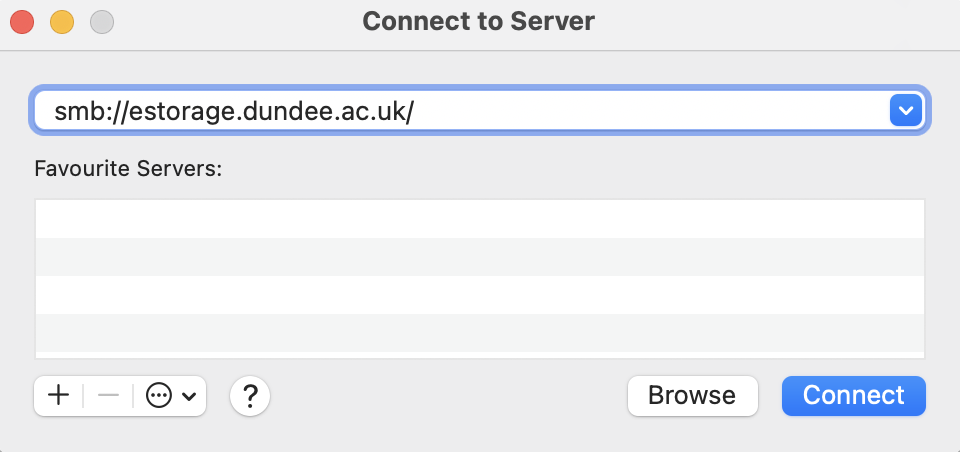
This will also create a directory under /Volumes with access to your share.